 Jason Holt Digital
快速提問與擲骰
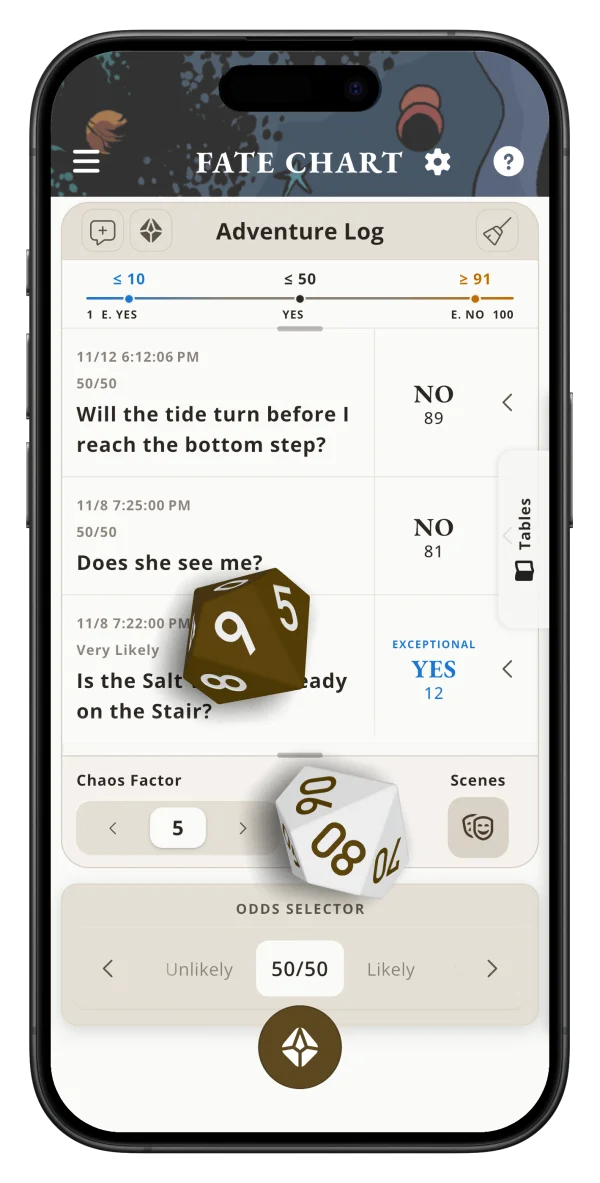
不用停下來翻書,即可回答命運問題並投擲 3D 骰子。
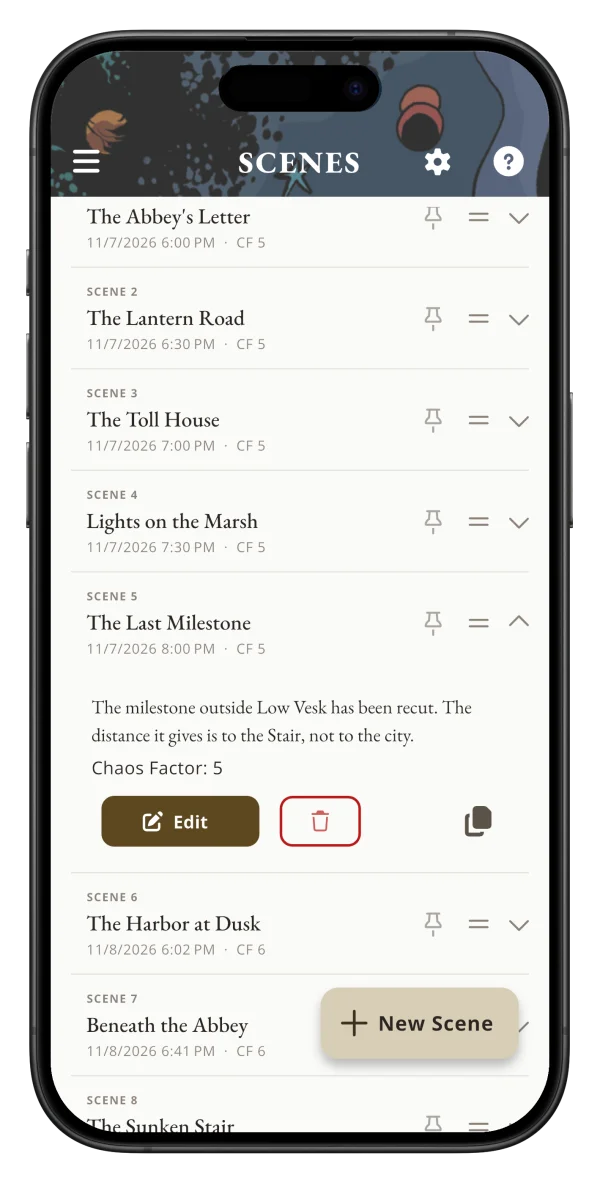
提出命運問題、擲意義表、追蹤你的場景,讓注意力始終貼近故事。
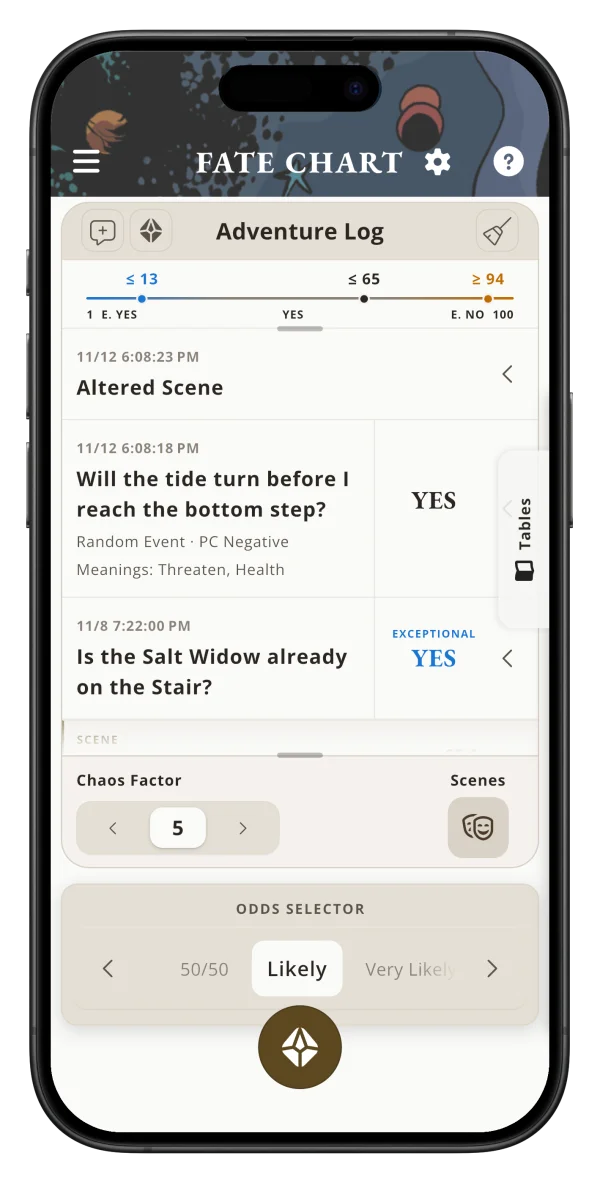
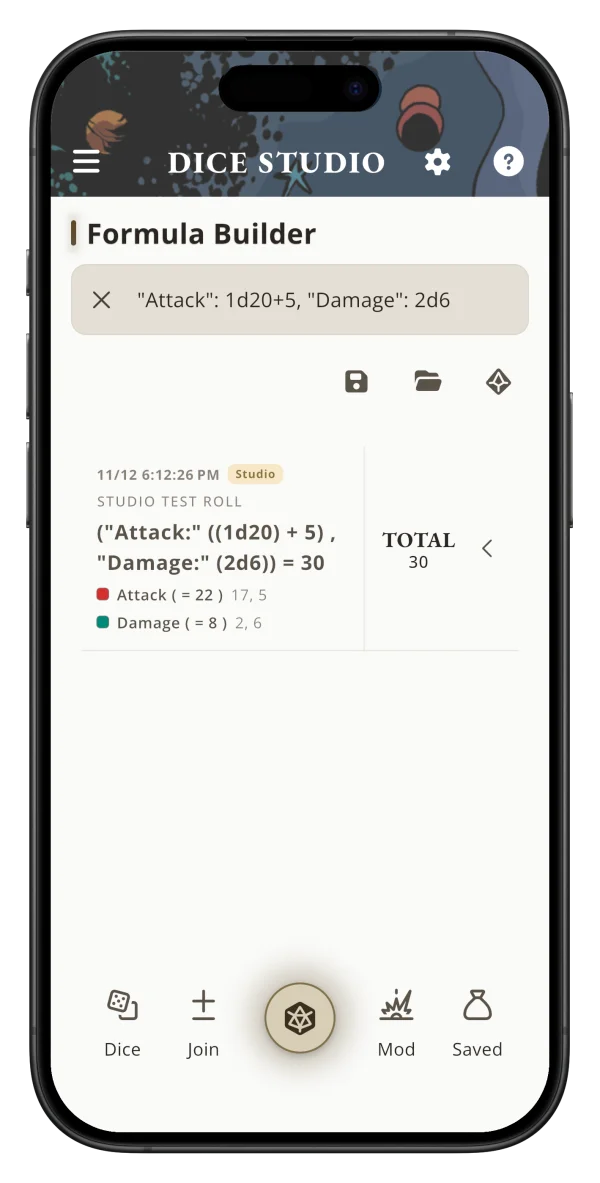
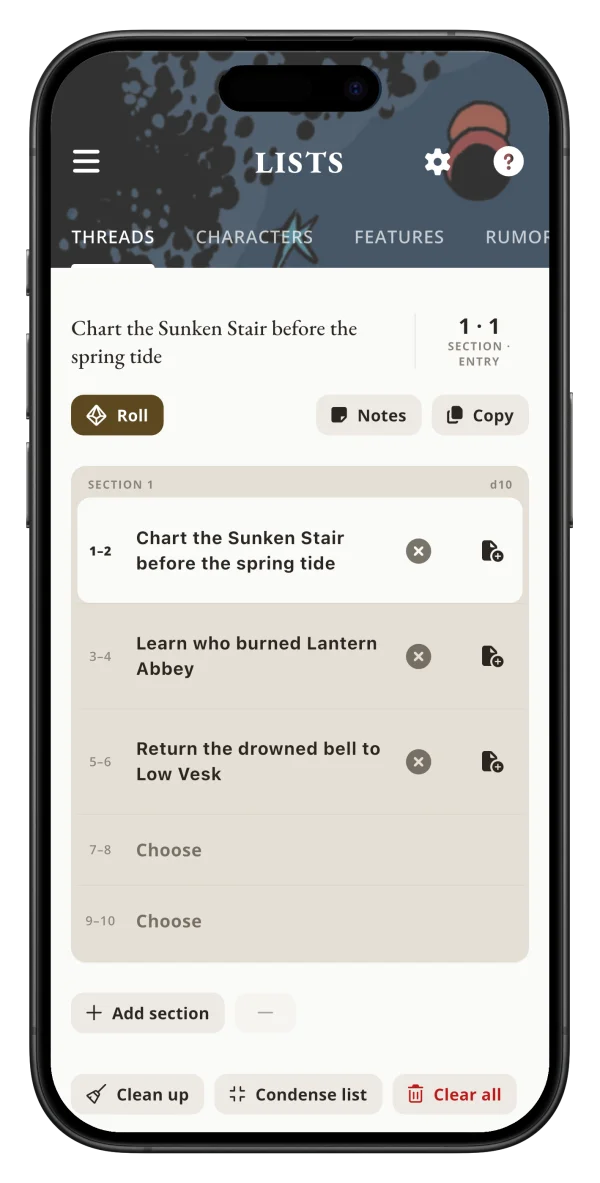
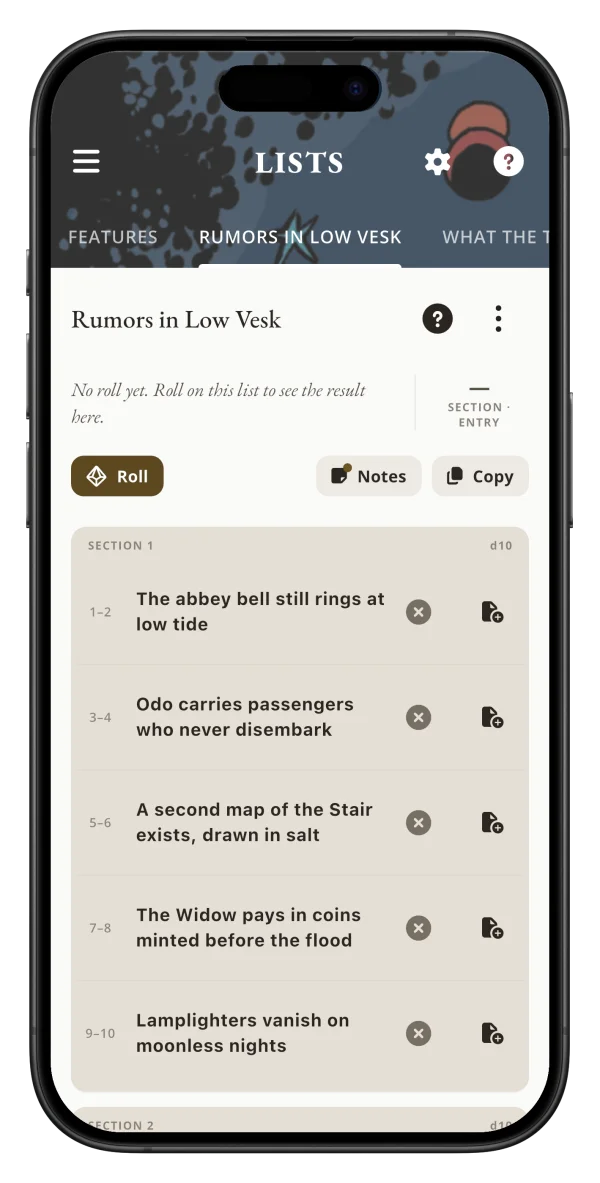
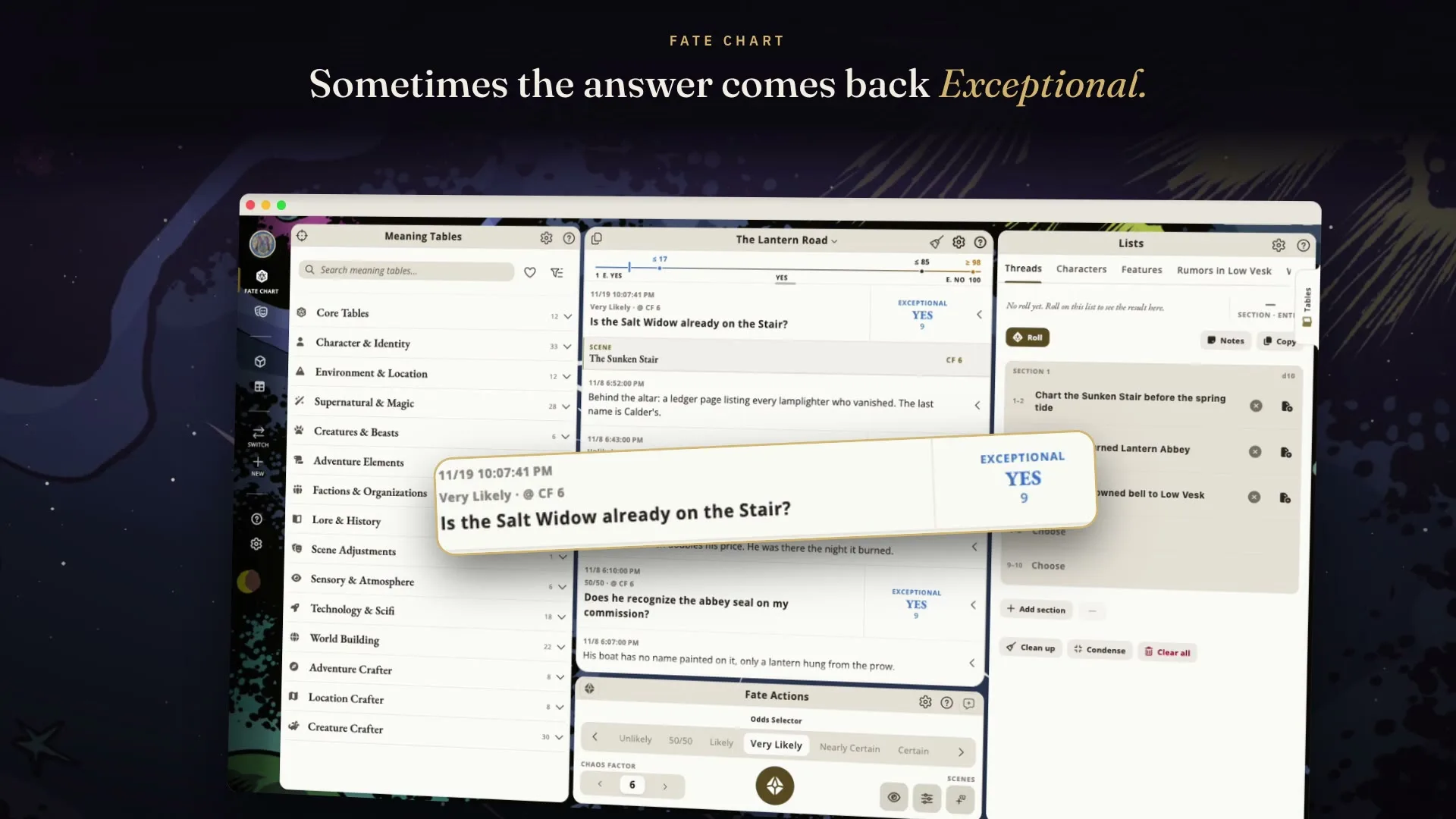
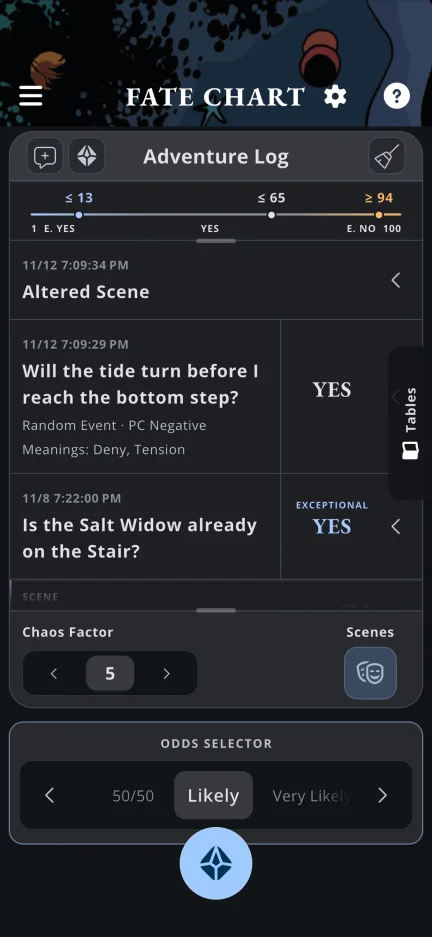
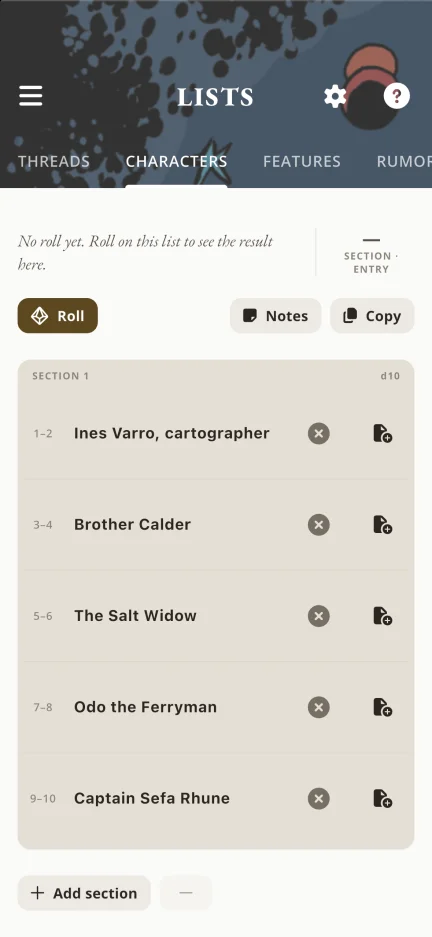
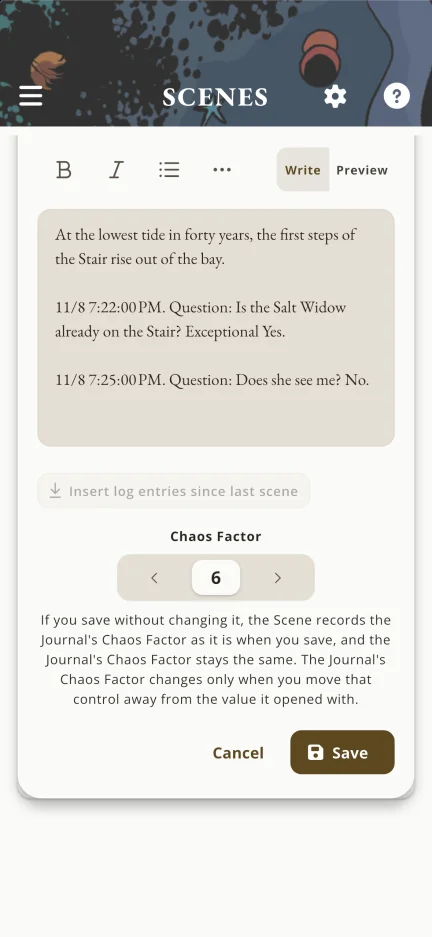
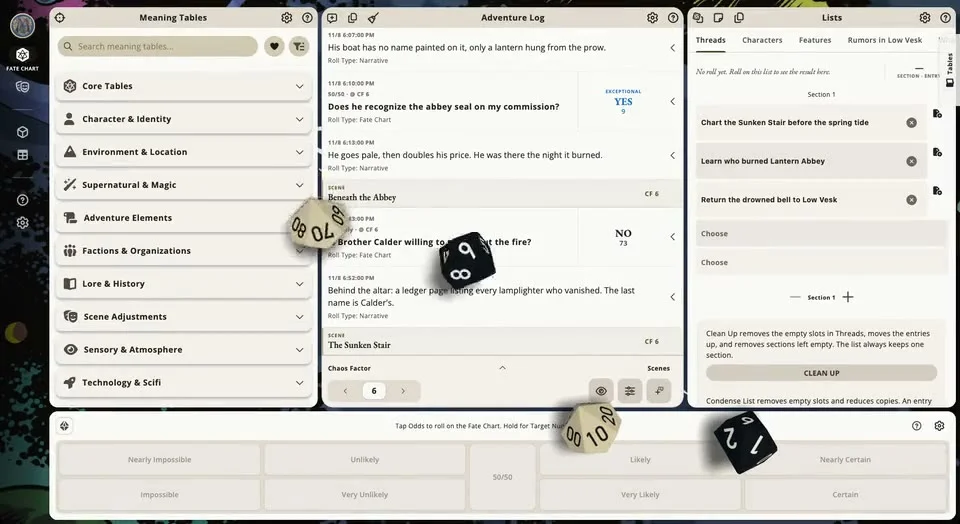
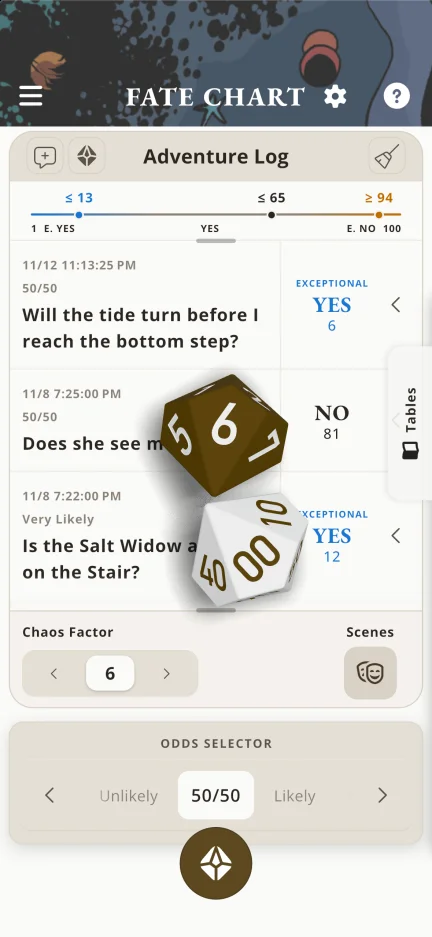
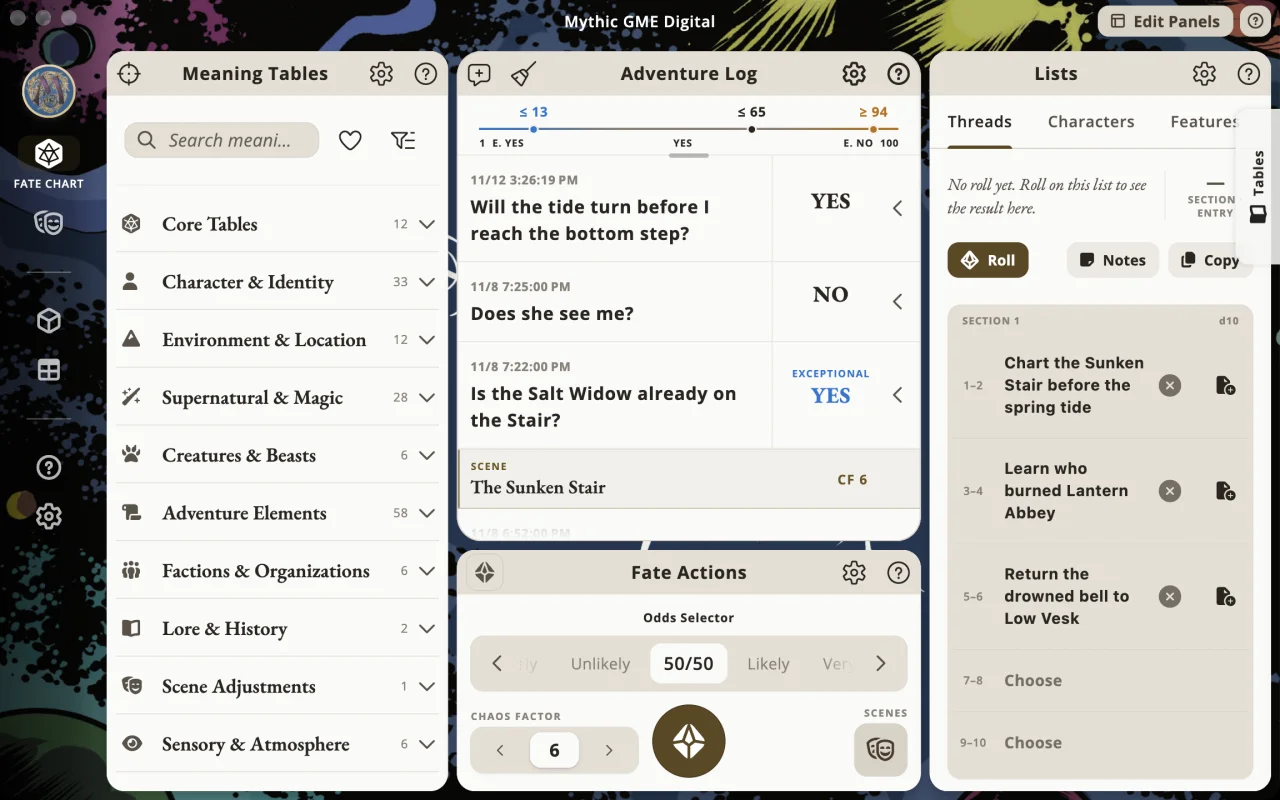
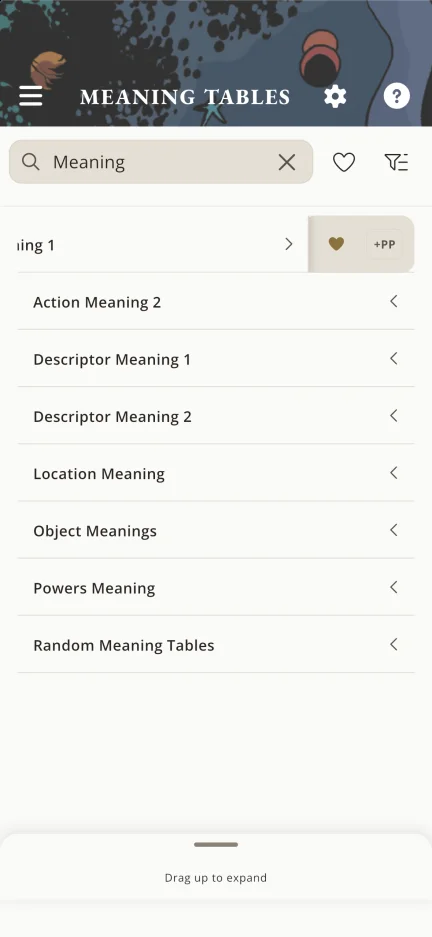
這是一段一分鐘的影片,示範在 Mythic GME 中進行《The Lantern Road》單人跑團的過程,搭配配樂與應用程式內建的擲骰音效,沒有旁白。玩家提出命運問題「Is the Salt Widow already on the Stair?」並投擲兩顆 3D d10 骰子,結果停在「極端是」。混亂因子 6 下的場景檢定擲出「中斷場景」,其隨機事件「Close A Thread」隨即記入冒險紀錄。接著開啟「表格」分頁中的行動意義表擲出兩個詞,玩家寫下筆記說明這兩個詞對故事的含義。在骰子模式中,來自不同系統的骰子公式以帶標籤、分色顯示的骰池擲出。在清單畫面中,角色清單擲骰結果落在「Brother Calder」。最後,冒險紀錄捲動回顧整場跑團。畫面上的簡短字卡會標示每個步驟。影片結尾顯示 Mythic GME Apps 名稱與應用程式圖示、文字「官方 Mythic GM Emulator 應用程式。現已推出 1.7。」、「在 Mythic GME Mobile 中,部分功能需要購買『擴充功能』應用程式內購買項目。」以及音樂署名:Punch Deck 創作的〈Frozen Shimmer〉,採用 CC BY 4.0 授權。
音樂:Frozen Shimmer,由 Punch Deck 創作,CC BY 4.0
載入中…
評價 1 / 1
不用停下來翻書,即可回答命運問題並投擲 3D 骰子。
在遊玩過程中直接使用官方授權的命運圖表與意義表。
將場景、角色、劇情線、自訂清單與冒險紀錄集中管理,每次回答與擲骰結果都清晰並列在同一行。
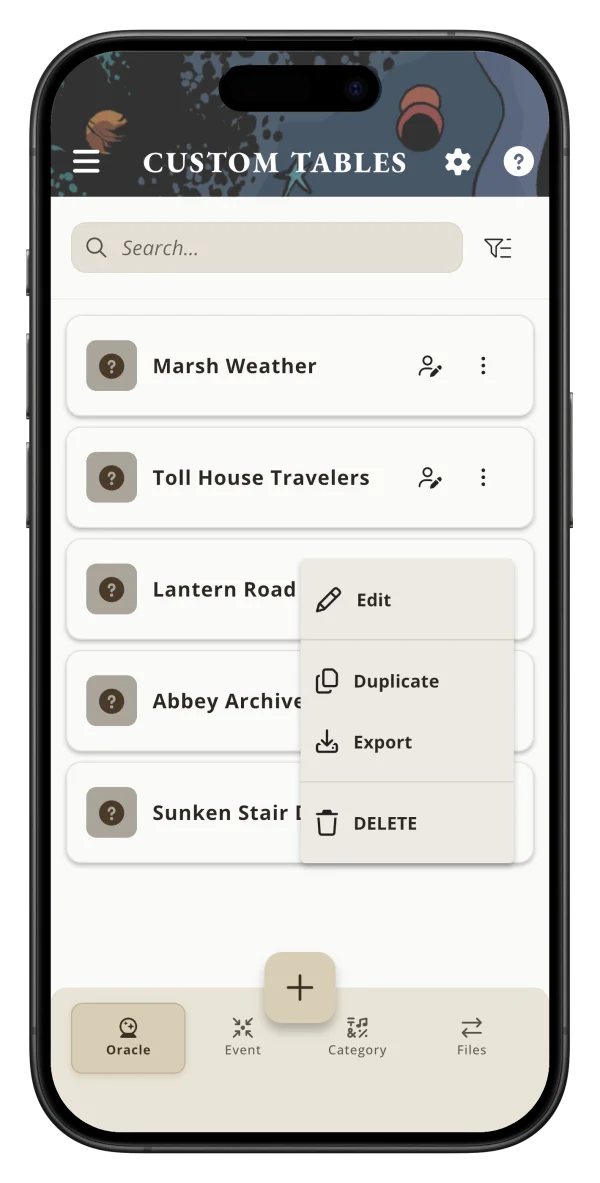
匯入自訂表格,並儲存附帶標籤與專屬配色的骰子公式。
Mythic GME Mobile 與 Mythic GME Digital 現已推出。Tome Keeper 與 Adventure Crafter 即將登場——還有一個小驚喜。
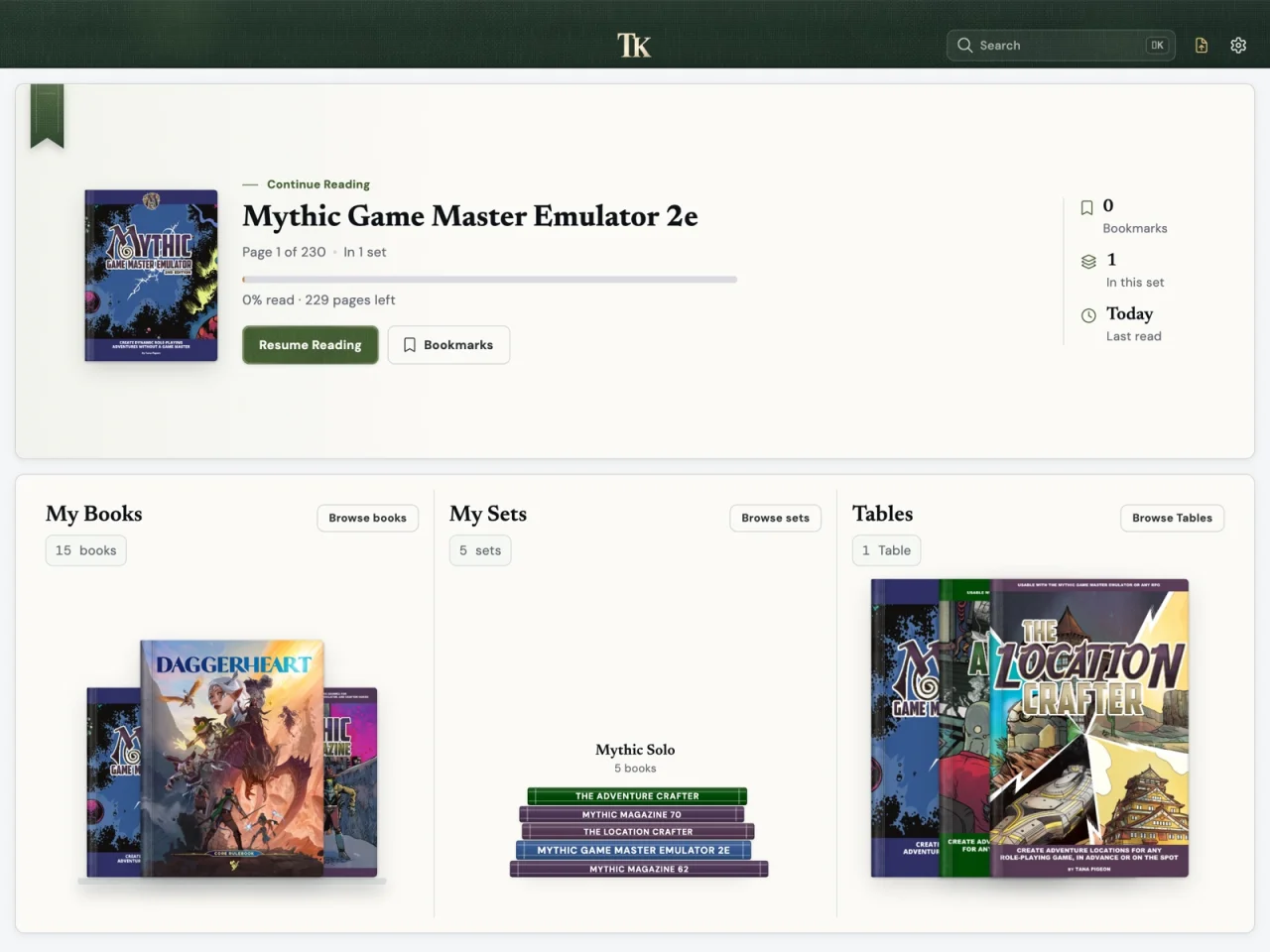
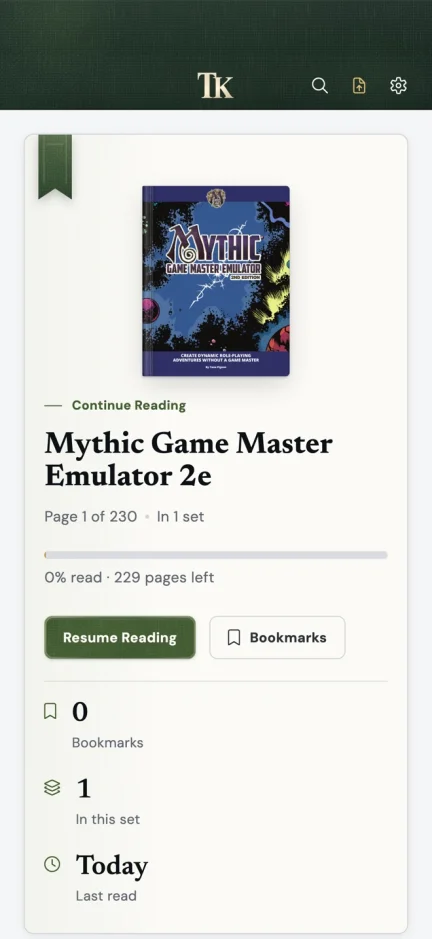
桌上角色扮演遊戲專用 PDF 閱讀器
擺脫笨重工具列的遮擋,盡情欣賞桌上 RPG 書籍的全頁插畫、跨頁排版與故事內容,並快速查找規則與準備跑團。
應用程式與說明頁面目前僅提供英文。
第 1 張,共 6

Jason Holt
 Mythic GME
嗨,我是 Jason。我與 Word Mill Creative 合作開發並維護官方 Mythic GME 2e 應用程式。大多數日子裡,我都在程式碼、支援訊息、Discord 與功能建議板之間來回奔走,尋找能讓實際跑團更順暢的細節。我希望這些應用程式能把 Mythic 的所有工具集中在一處,隨時開玩,又不打斷你投入故事的節奏。

Ryan Holt
 Tome Keeper
Hi, I'm Ryan, and I made Tome Keeper. I move a lot, so lugging around shelves of hardcover tabletop RPG books has never really worked for me, even though I still love how a real book feels in your hands. I tried plenty of PDF readers for my library, and most of them felt like office tools. Clunky toolbars sat over the artwork, and flipping between rulebooks during a game was a chore.
I built Tome Keeper so you can enjoy the full-page art, spreads, and stories in your books without all that clutter in the way, and still carry your whole library on one device. When it's time to prep a session or run a game, the tools are right there in the corner. You can clip rules, maps, or whole pages from different books onto one Table and arrange them in a way that makes sense for you and your players.