Jason Holt Digital
Ask & Roll Fast
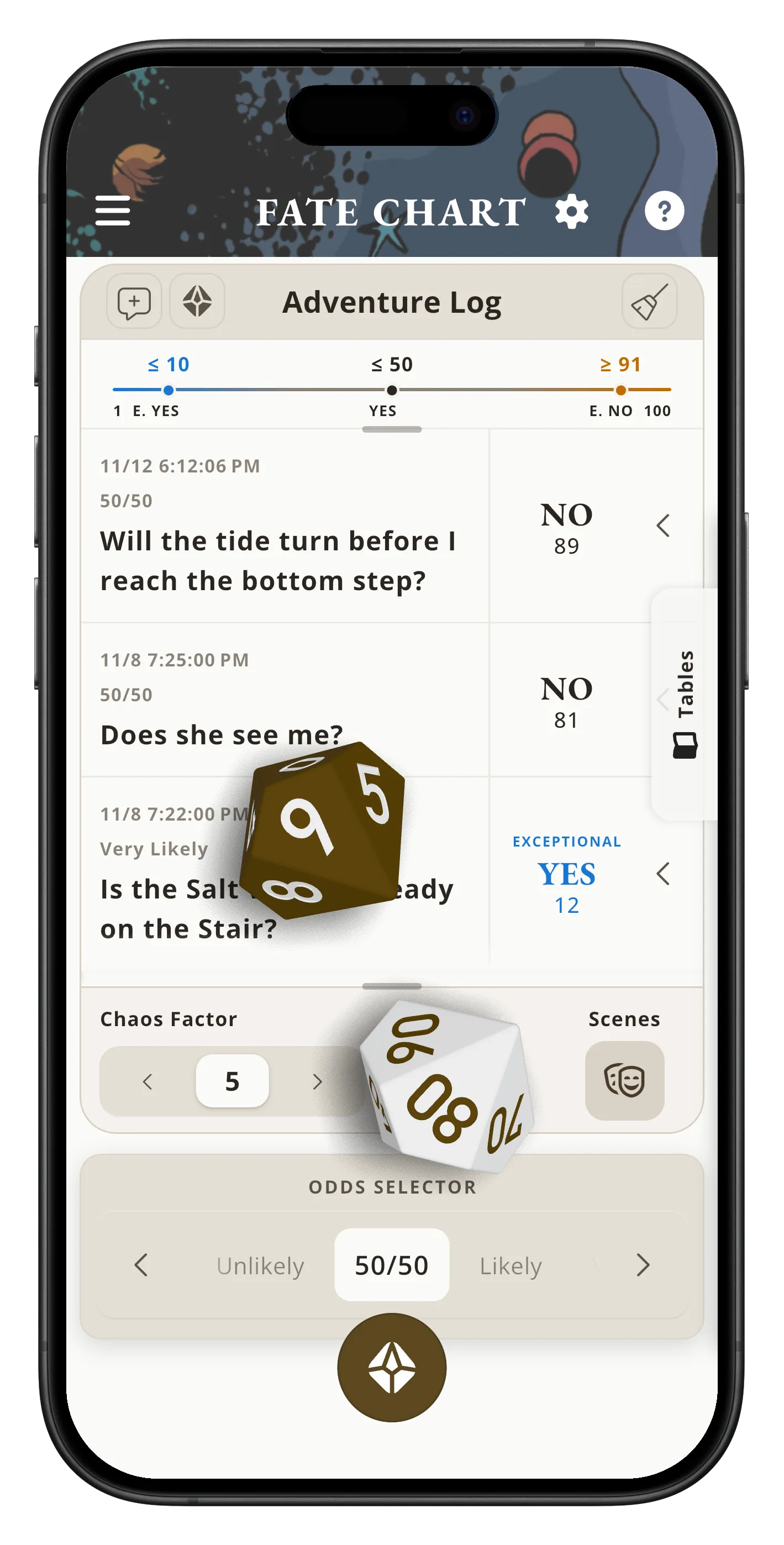
Answer Fate Questions and throw 3D dice without stopping to search the book.
Ask Fate Questions, roll on Meaning Tables, track your scenes, and stay close to the story.
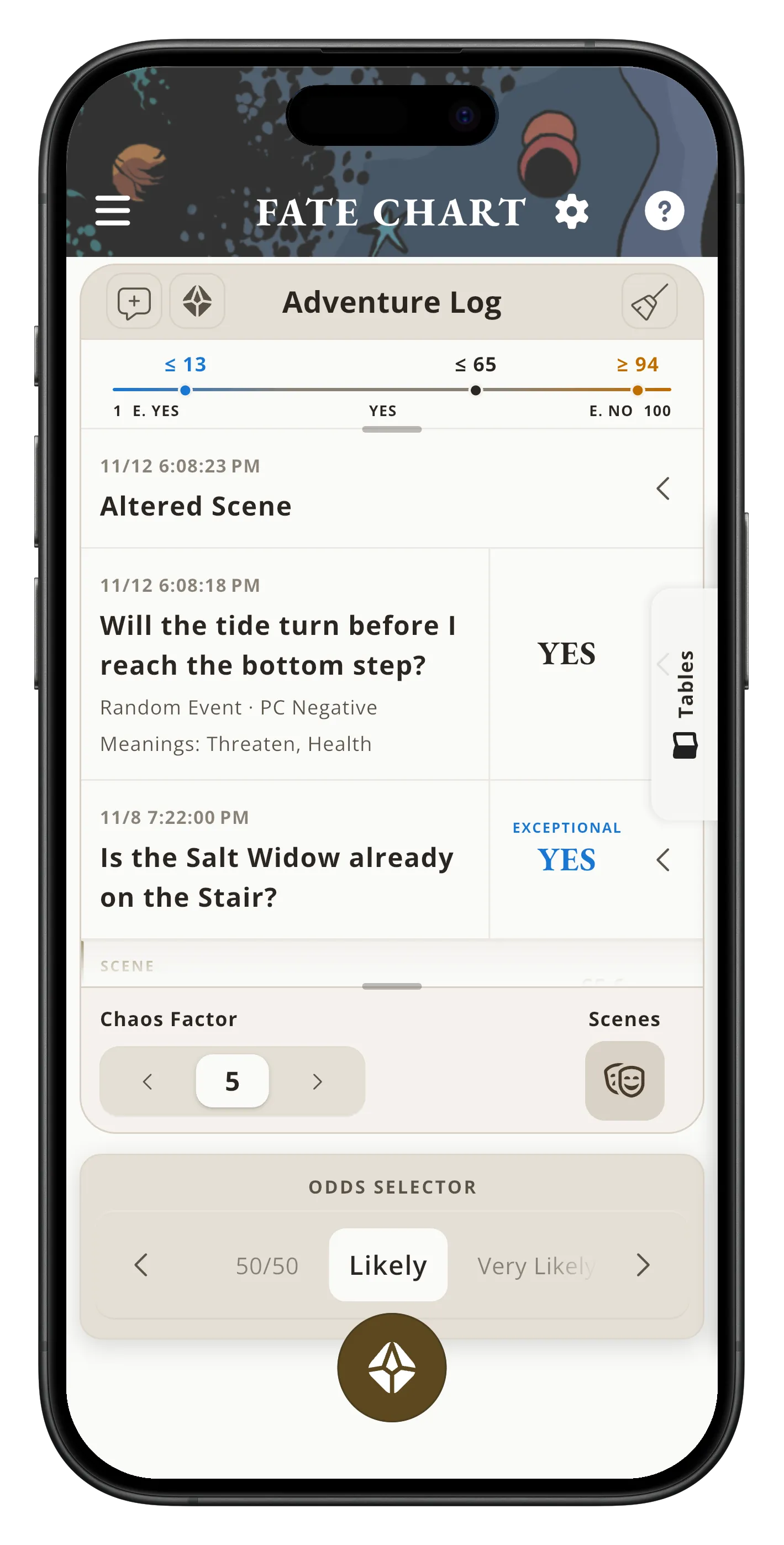
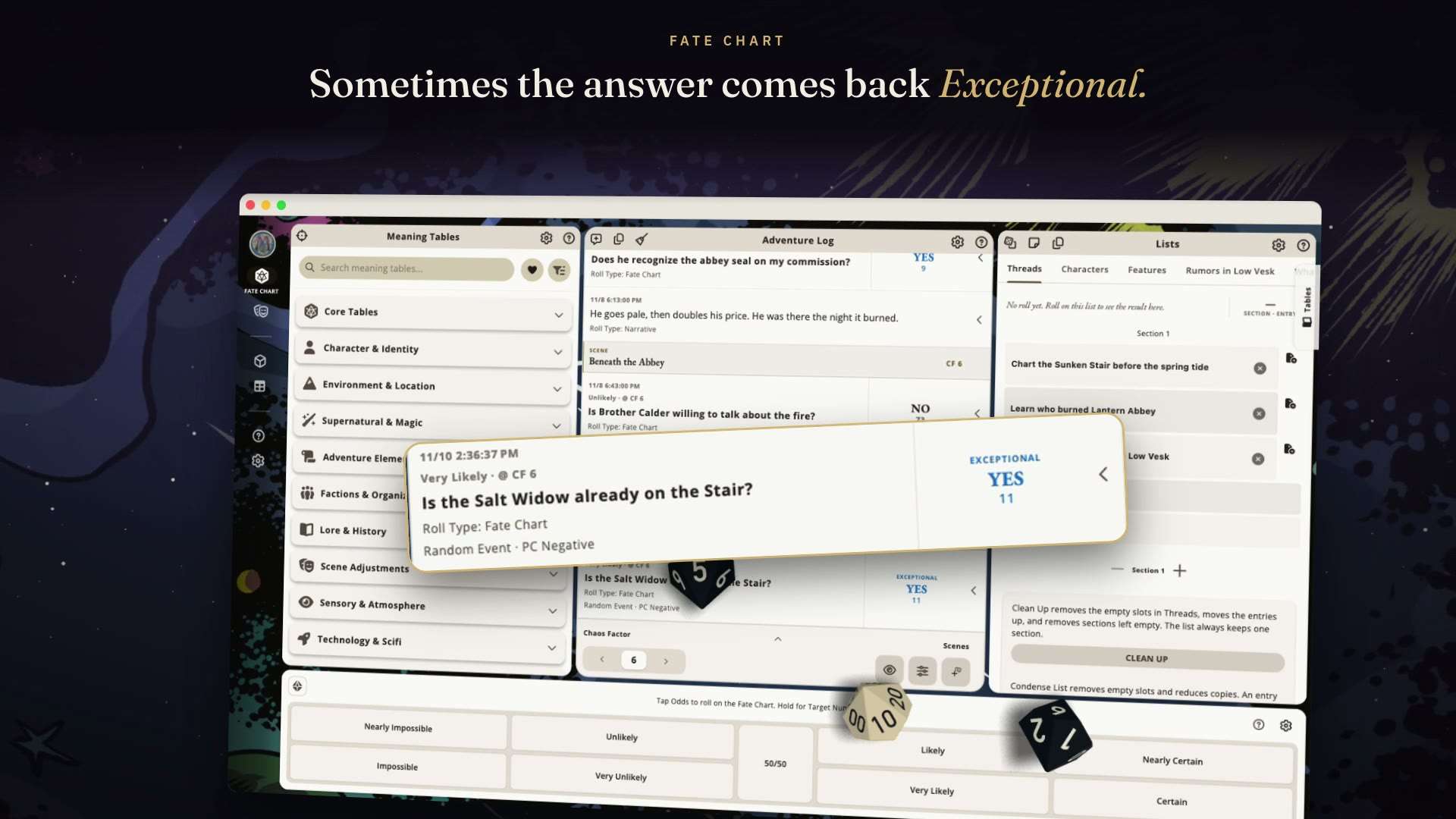
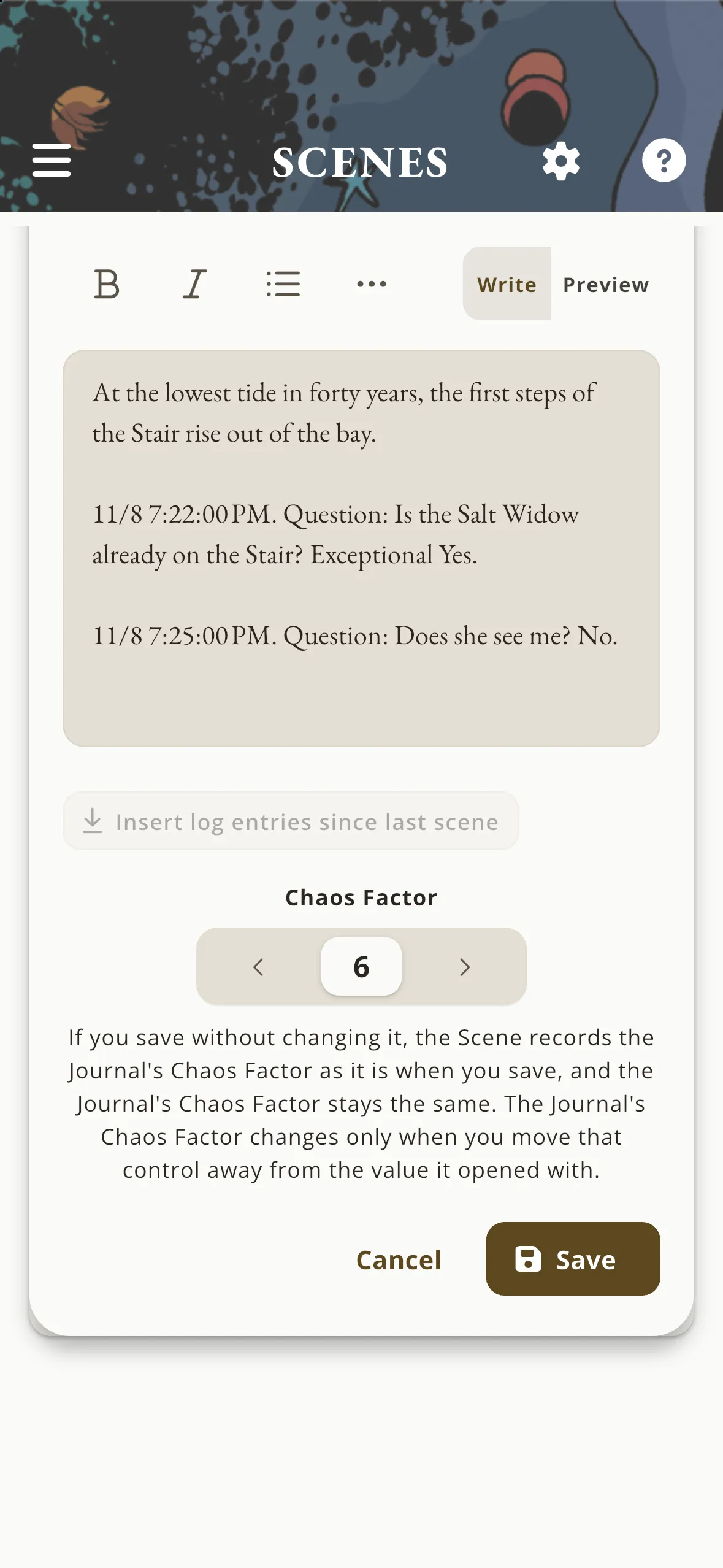
A one-minute film of a solo session of "The Lantern Road" in Mythic GME, set to music with the app's own dice sounds and no voice. The player asks the Fate Question "Is the Salt Widow already on the Stair?" and throws two 3D d10s, which settle on Exceptional Yes. A new Scene, "The Drowned Door", starts at Chaos Factor 6, and its Scene Check comes up Interrupt Scene. A Random Event follows, and its Event Focus lands in the Adventure Log. The Tables tab opens the Actions Meaning Table, which rolls two words, and the player writes a note about what they mean for the story. In dice mode, formulas from several kinds of games roll in labeled, colored pools. On the Lists screen, a Characters list roll lands on "Whoever hid the ledger". The Adventure Log then scrolls back through the whole session. Short on-screen cards name each step. The film ends on the name Mythic GME Apps with both app icons, the line "Official Mythic GM Emulator apps. Now 1.7.", the line "In Mythic GME Mobile, some features need the Expanded Features in-app purchase." and the music credit: "Frozen Shimmer" by Punch Deck, CC BY 4.0.
Music: Frozen Shimmer by Punch Deck, CC BY 4.0
Loading…
Quote 1 of 1
Answer Fate Questions and throw 3D dice without stopping to search the book.
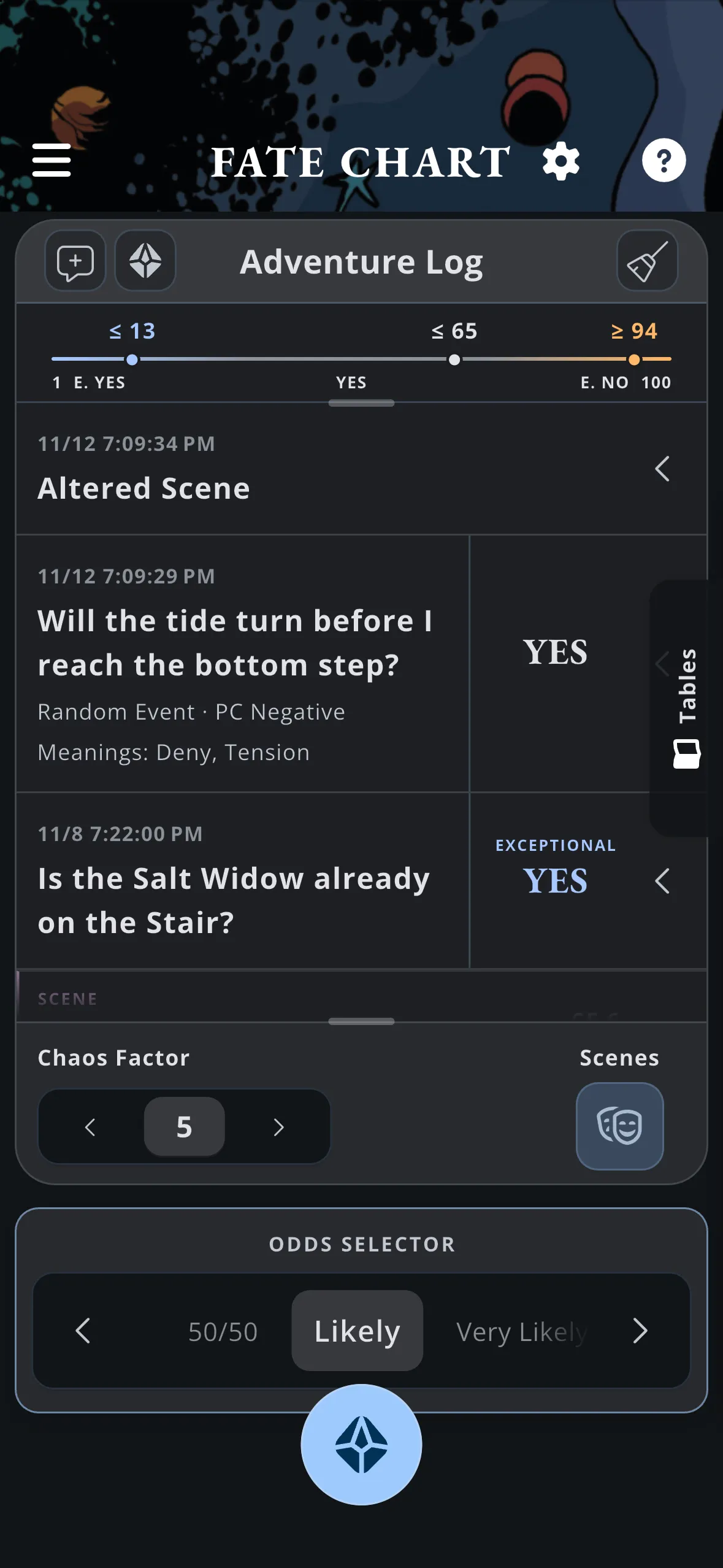
Use licensed Fate Chart and Meaning Tables in the flow of play.
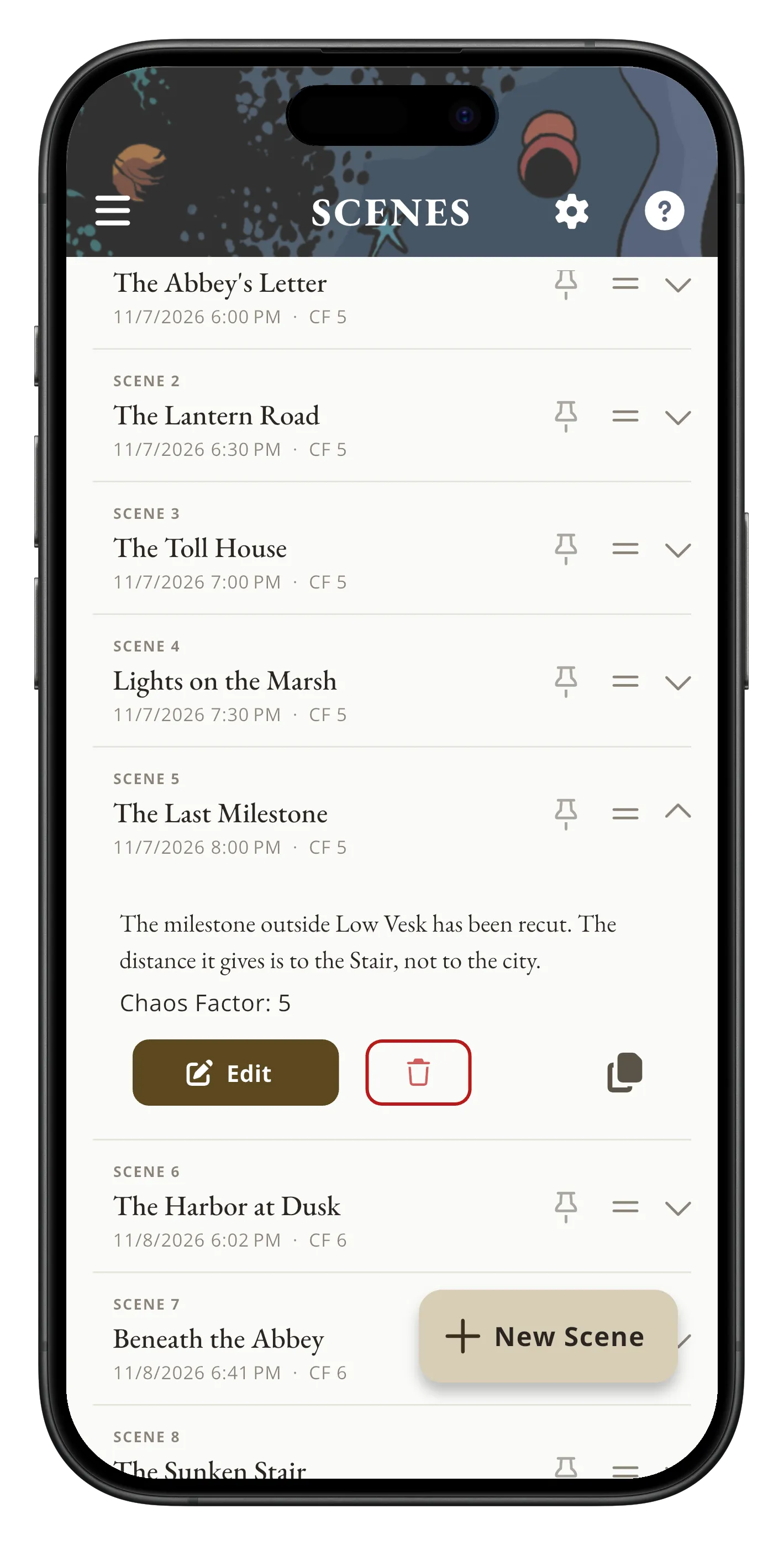
Keep scenes, Characters, Threads, Custom Lists, and the Adventure Log together, with each answer and its roll on one row.
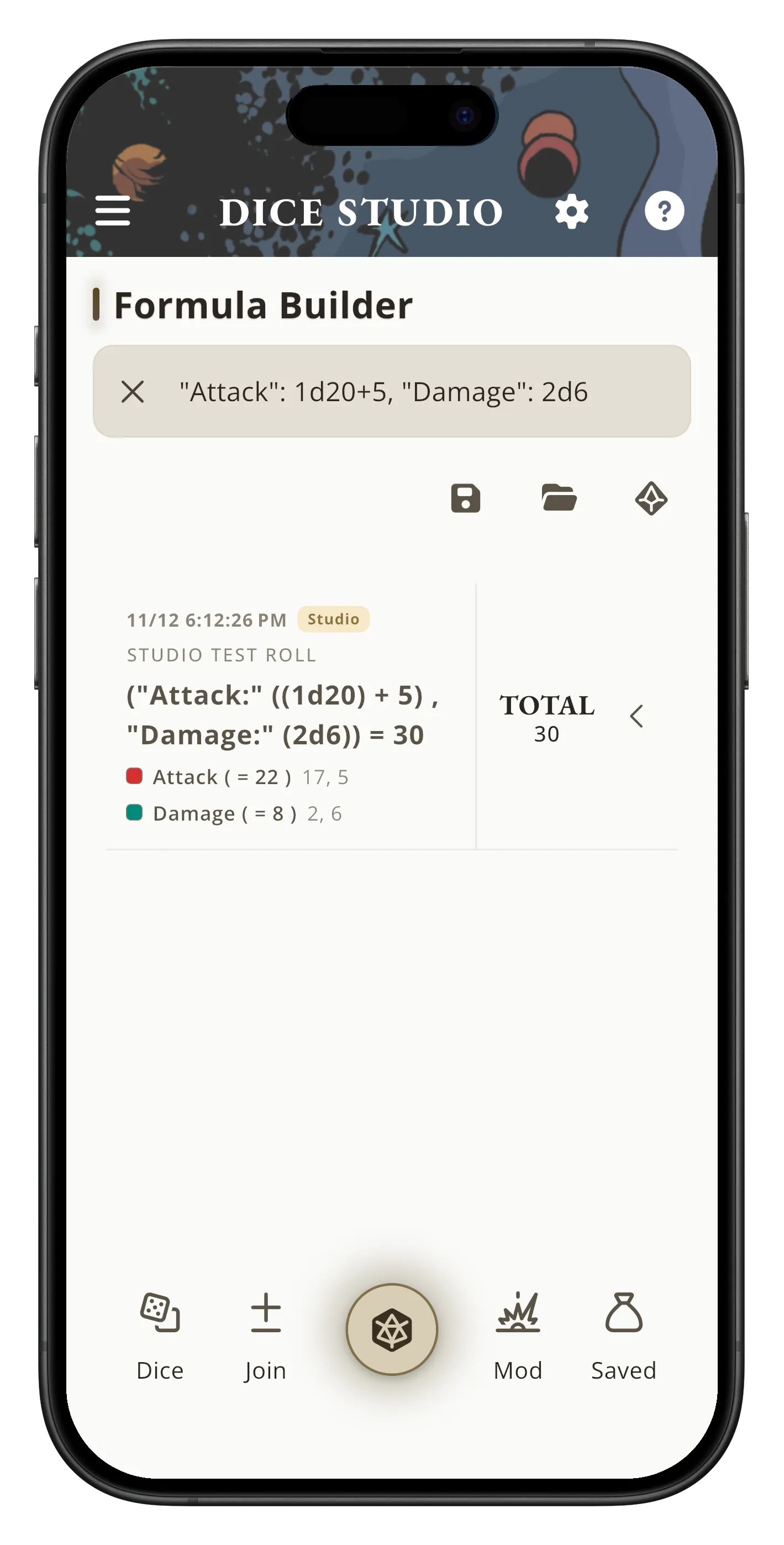
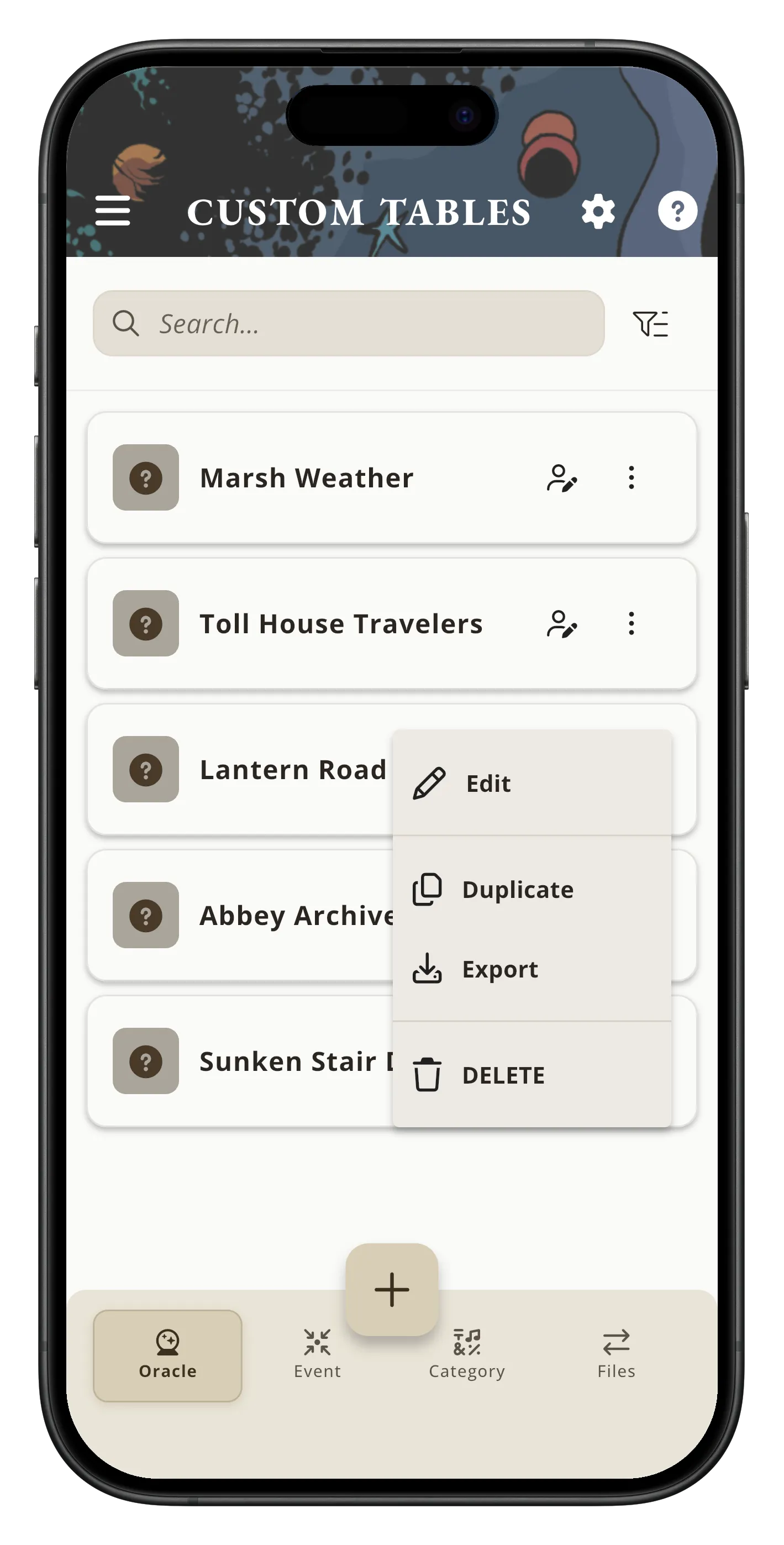
Bring in custom tables and save dice formulas with labeled pools in their own colors.
Mythic GME Mobile and Mythic GME Digital are available now, and Tome Keeper and Adventure Crafter are coming soon.
The OFFICIAL companion app
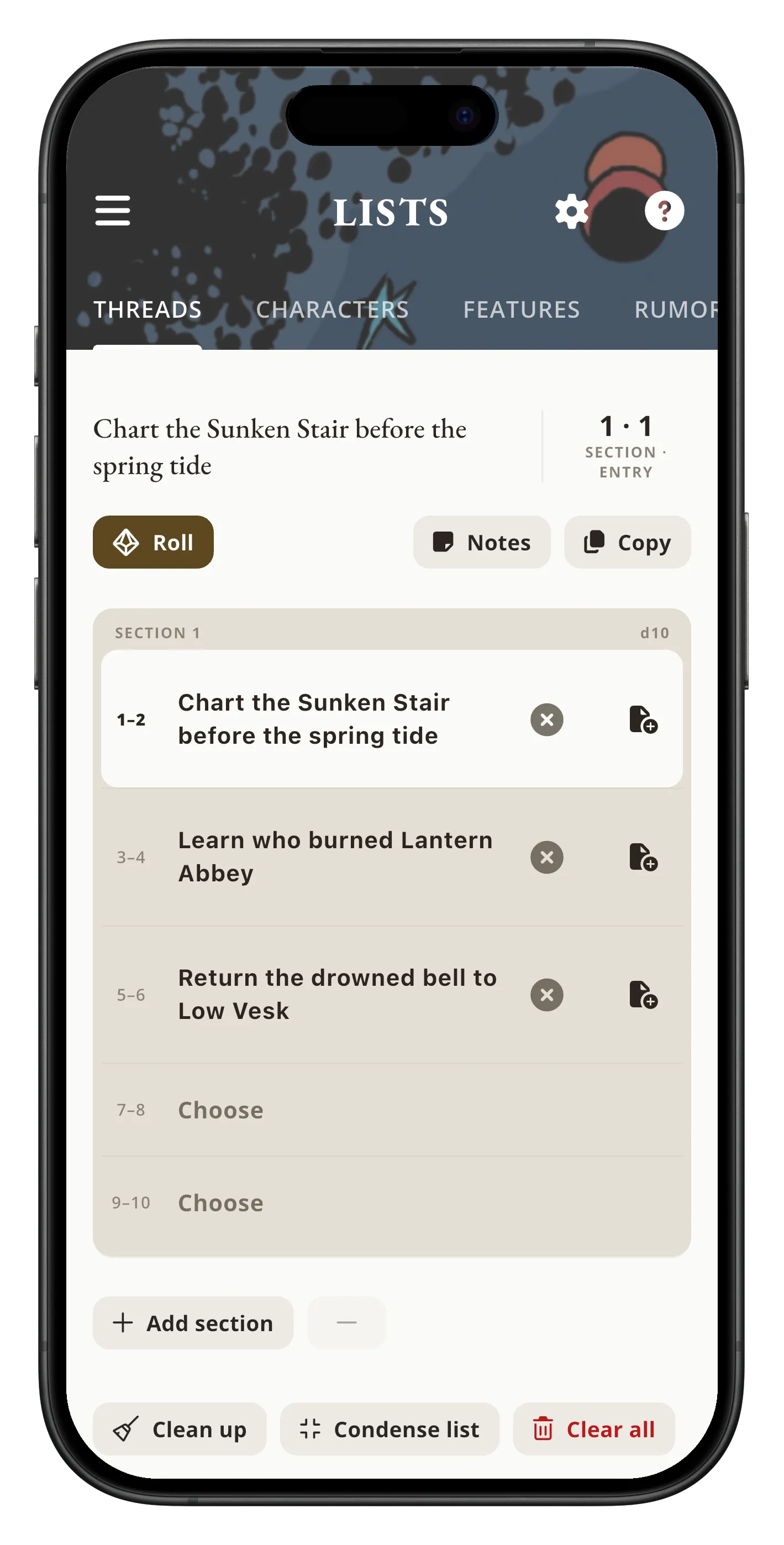
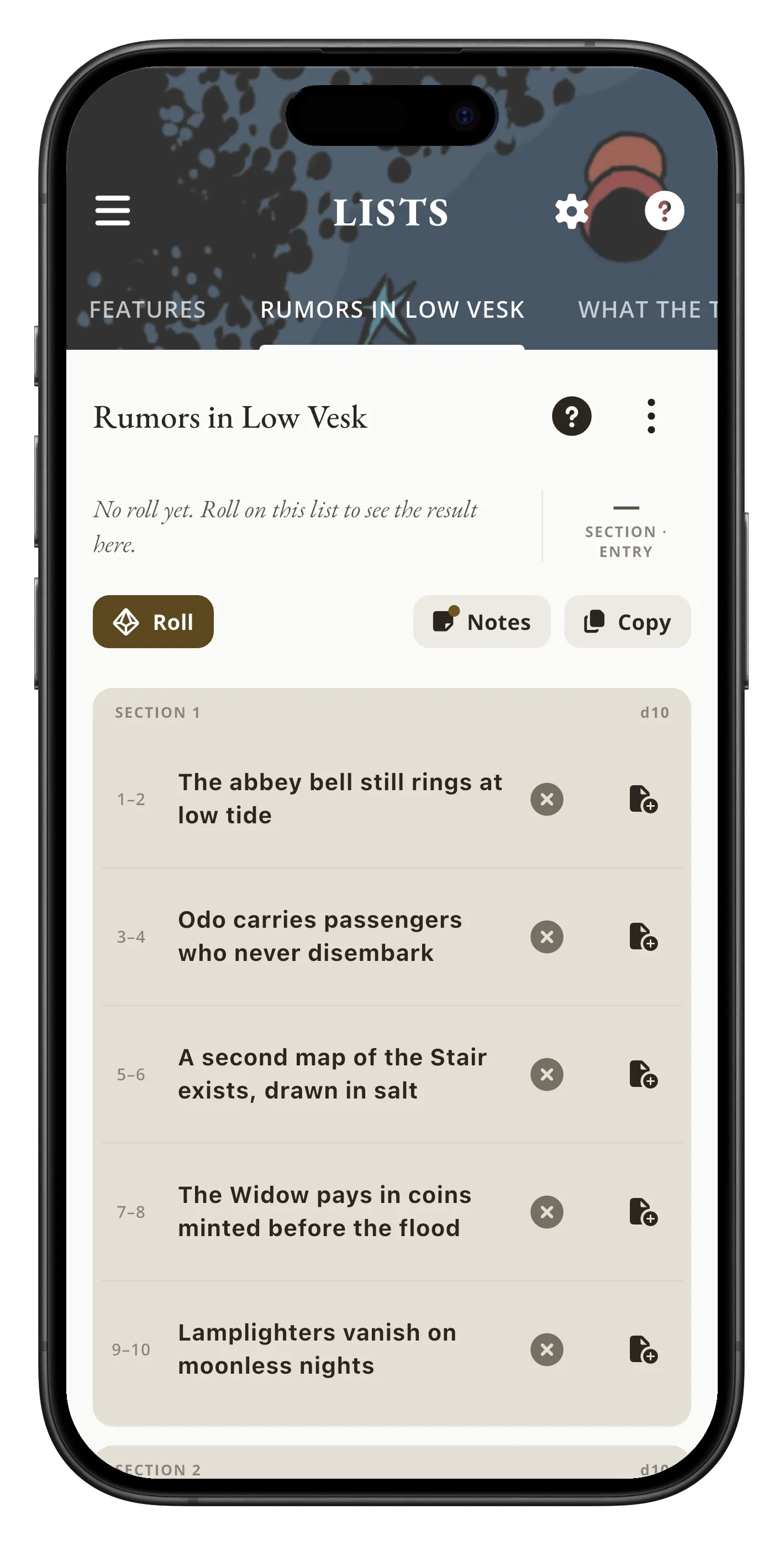
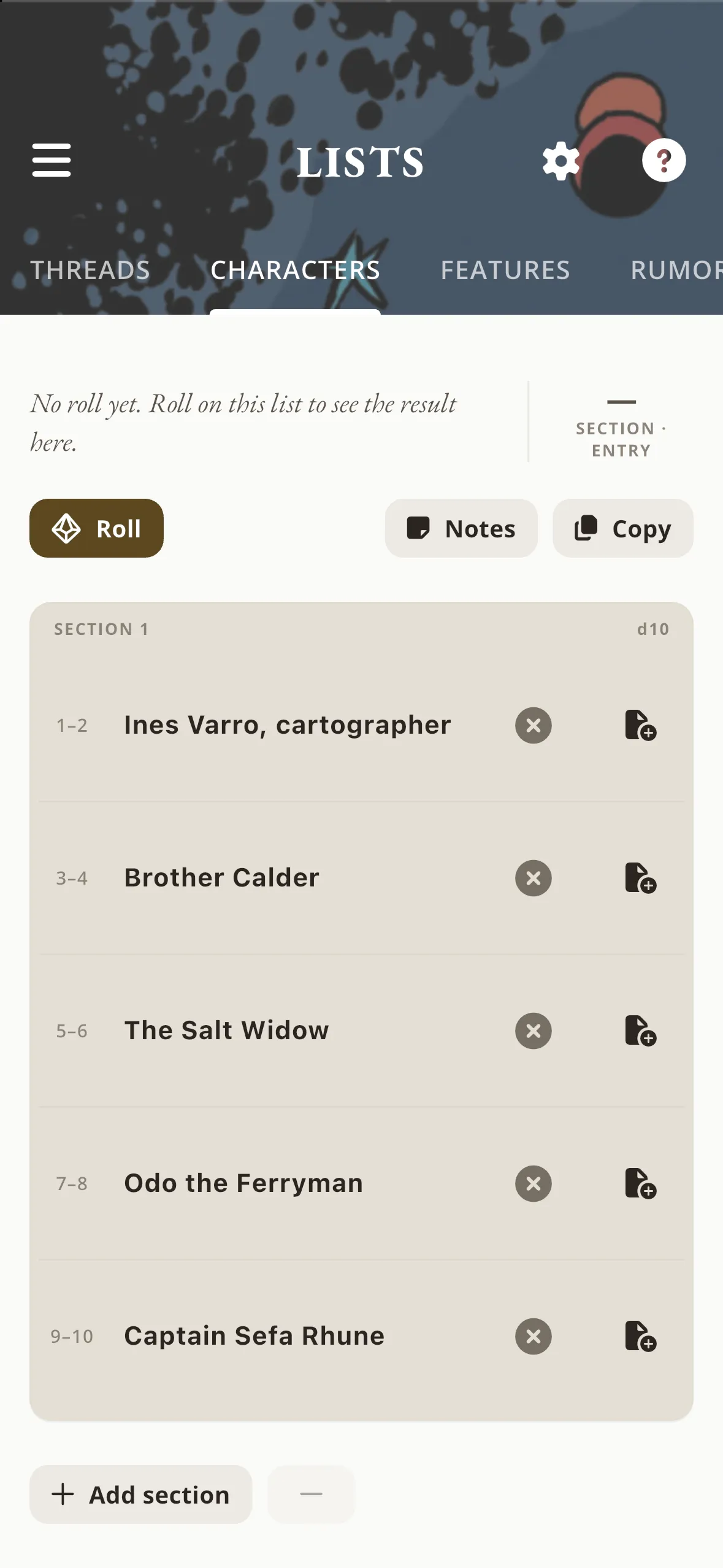
Adventure Lists for Characters, Threads, & Features, plus Custom Lists with Expanded Features
Mythic GME
Exceptional answers, Random Events & Interrupt Scenes end in slow motion
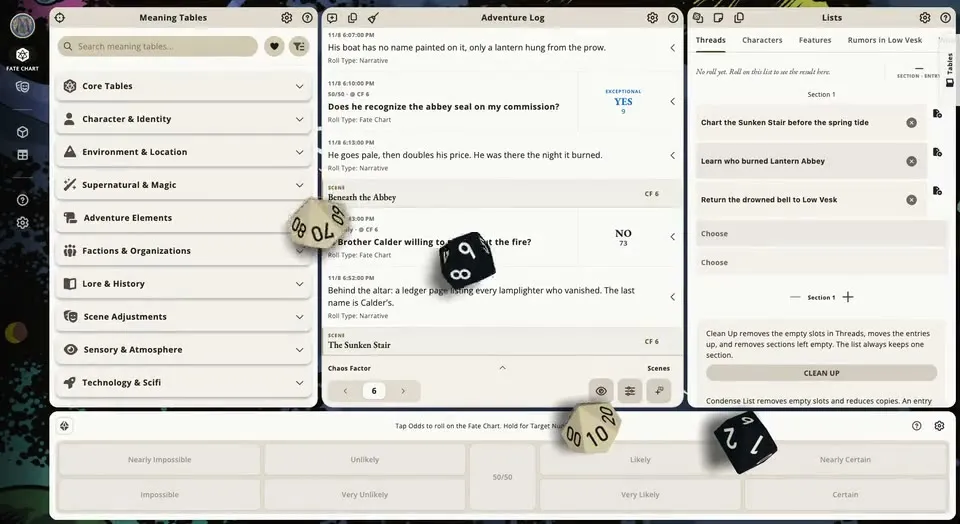
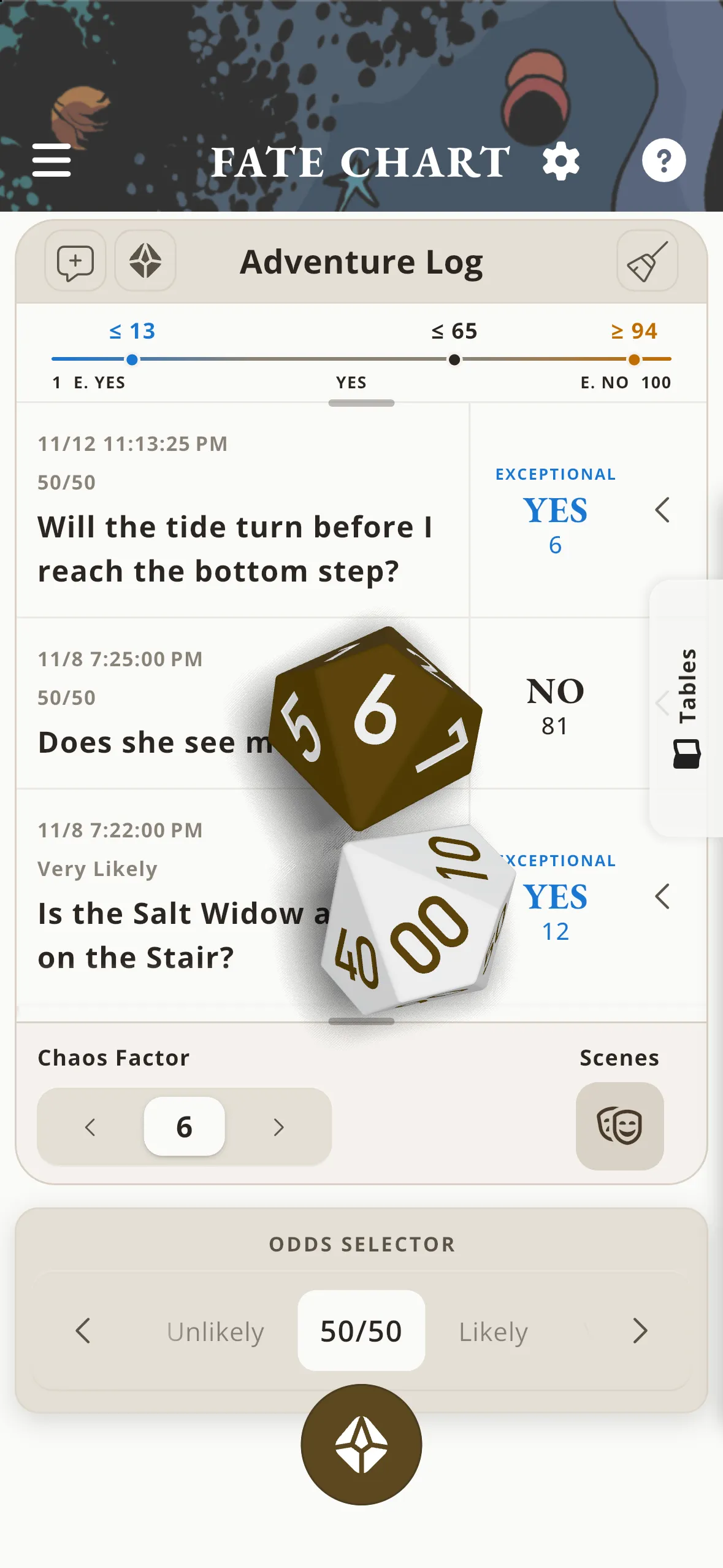
Including foldable phones
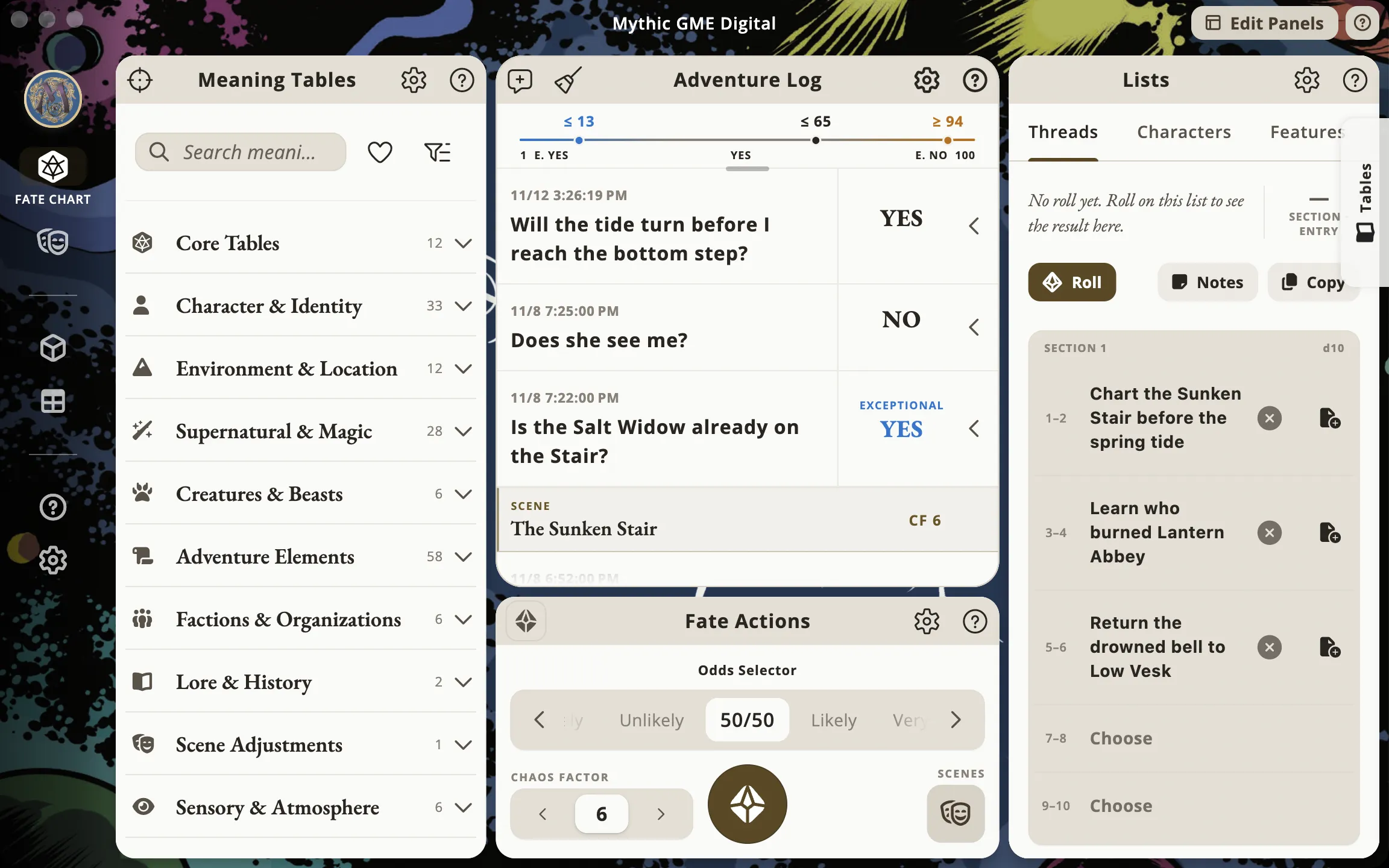
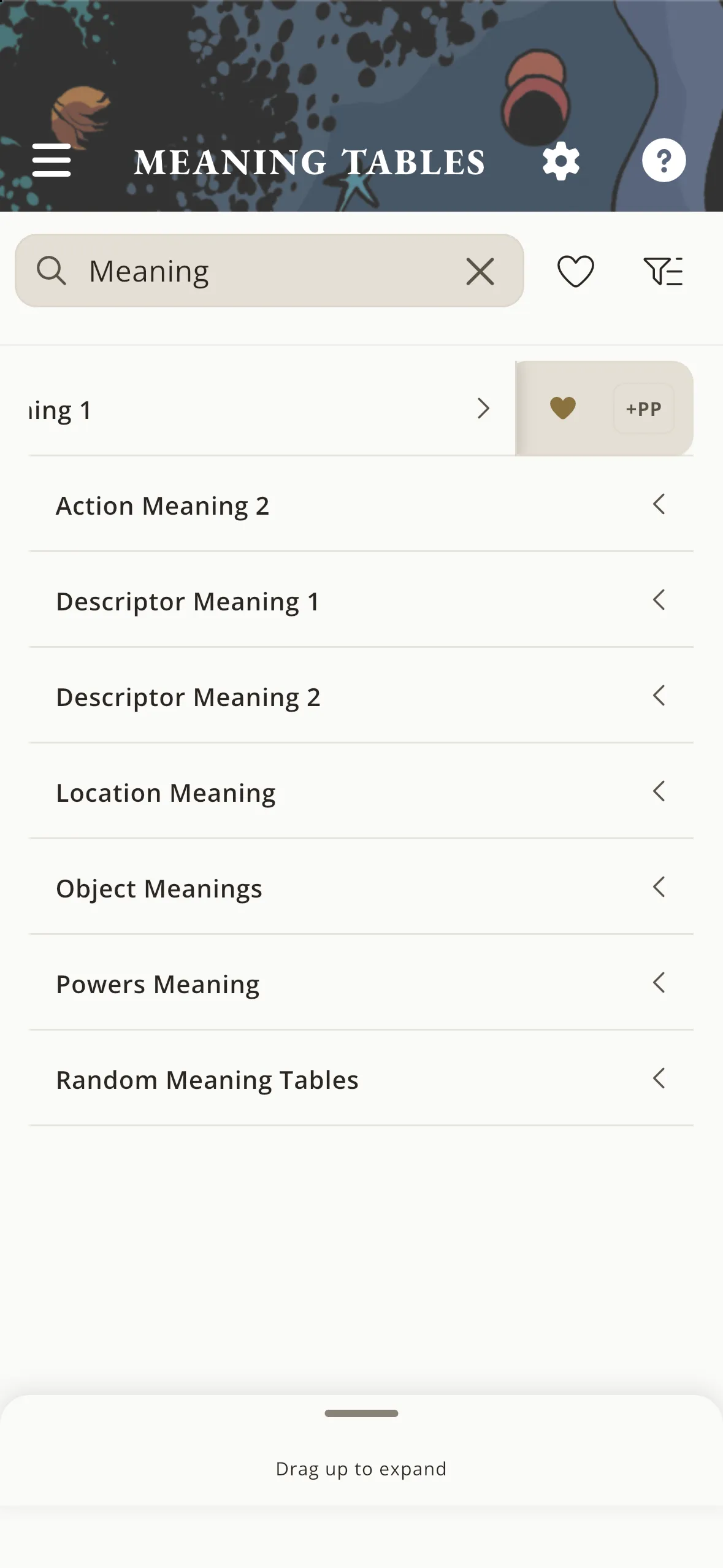
Game Tables one tab away on phones, foldables, tablets & desktop
PDF reader for tabletop RPGs
Enjoy full-page art, spreads, and stories in your tabletop RPG books without clunky toolbars in the way, then jump straight into finding rules and prepping sessions.
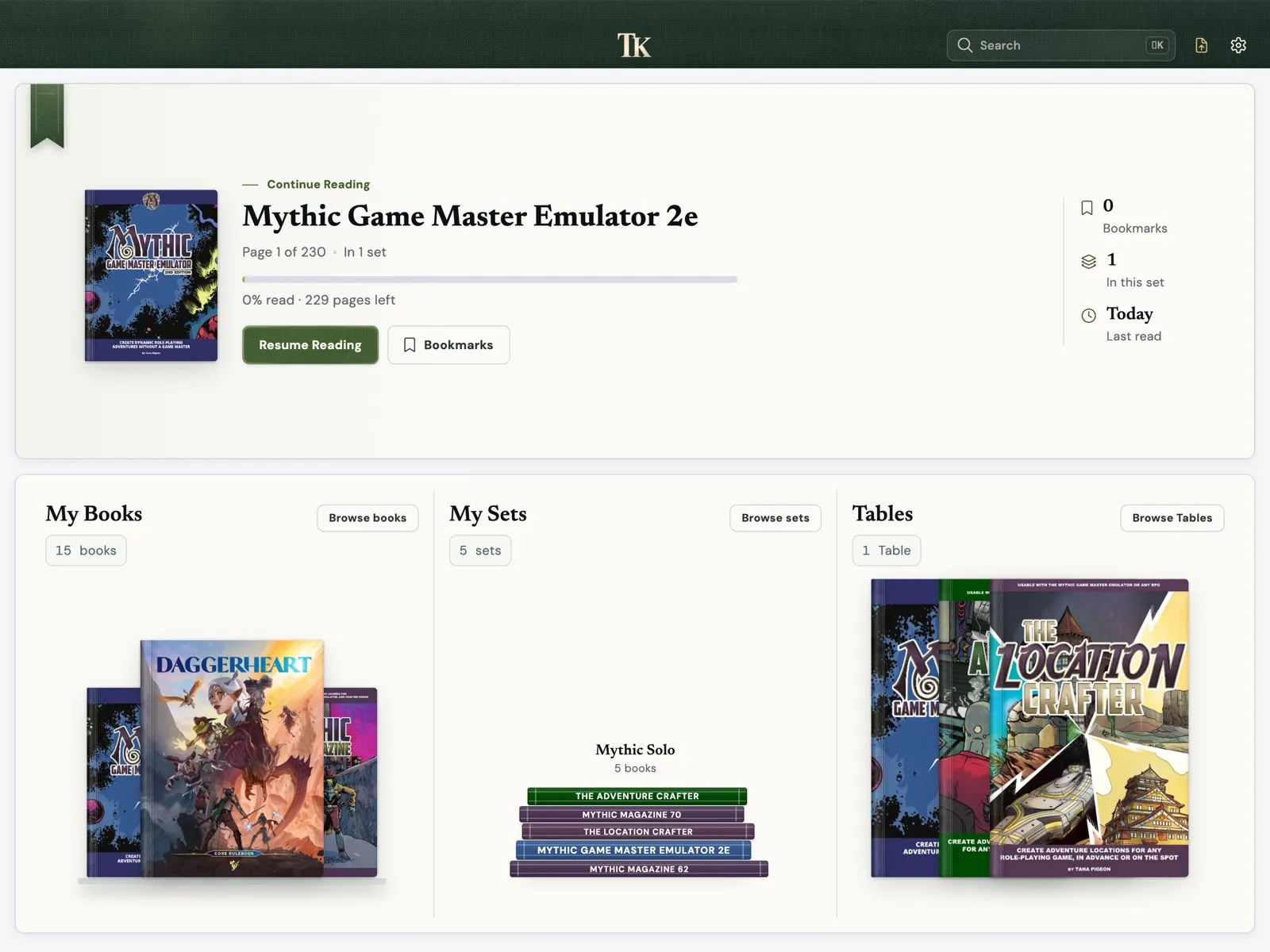
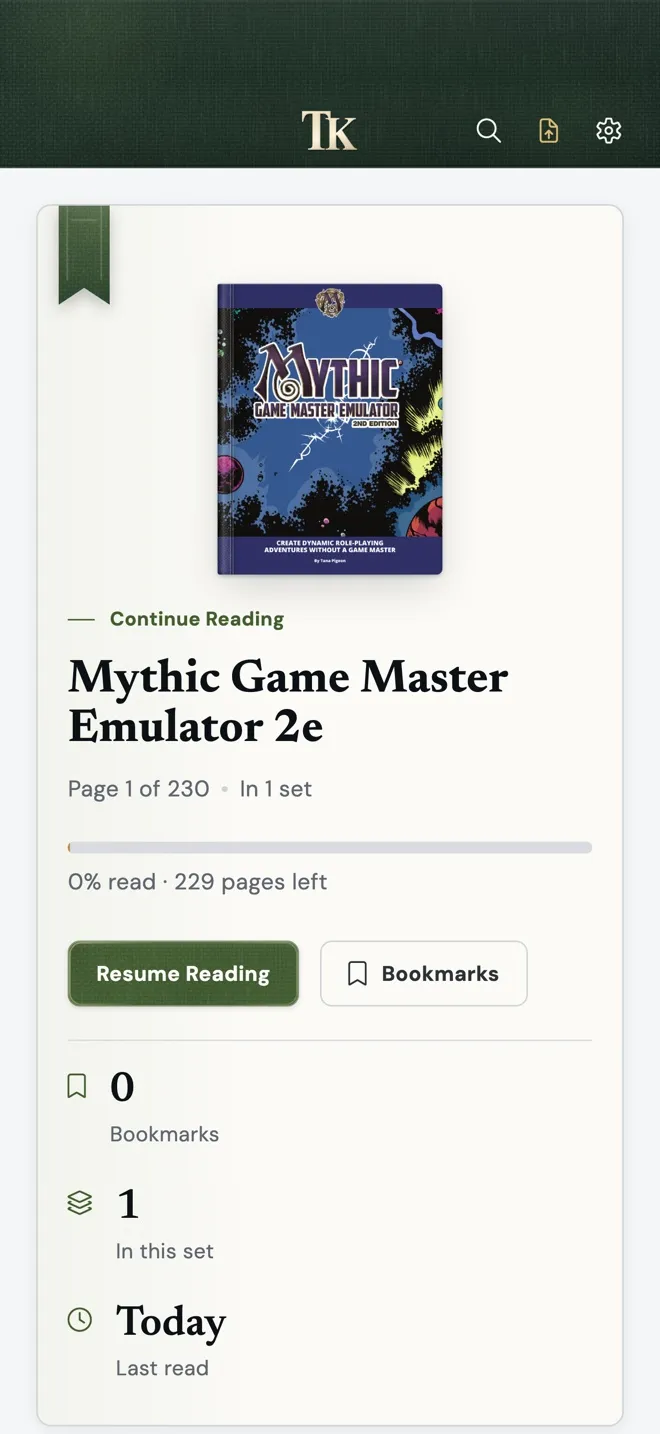
Tome Keeper
Clip sections or whole pages from multiple books onto one Table and arrange them in a way that makes sense for you and your players, alongside notes, trackers, and fillable sheets.
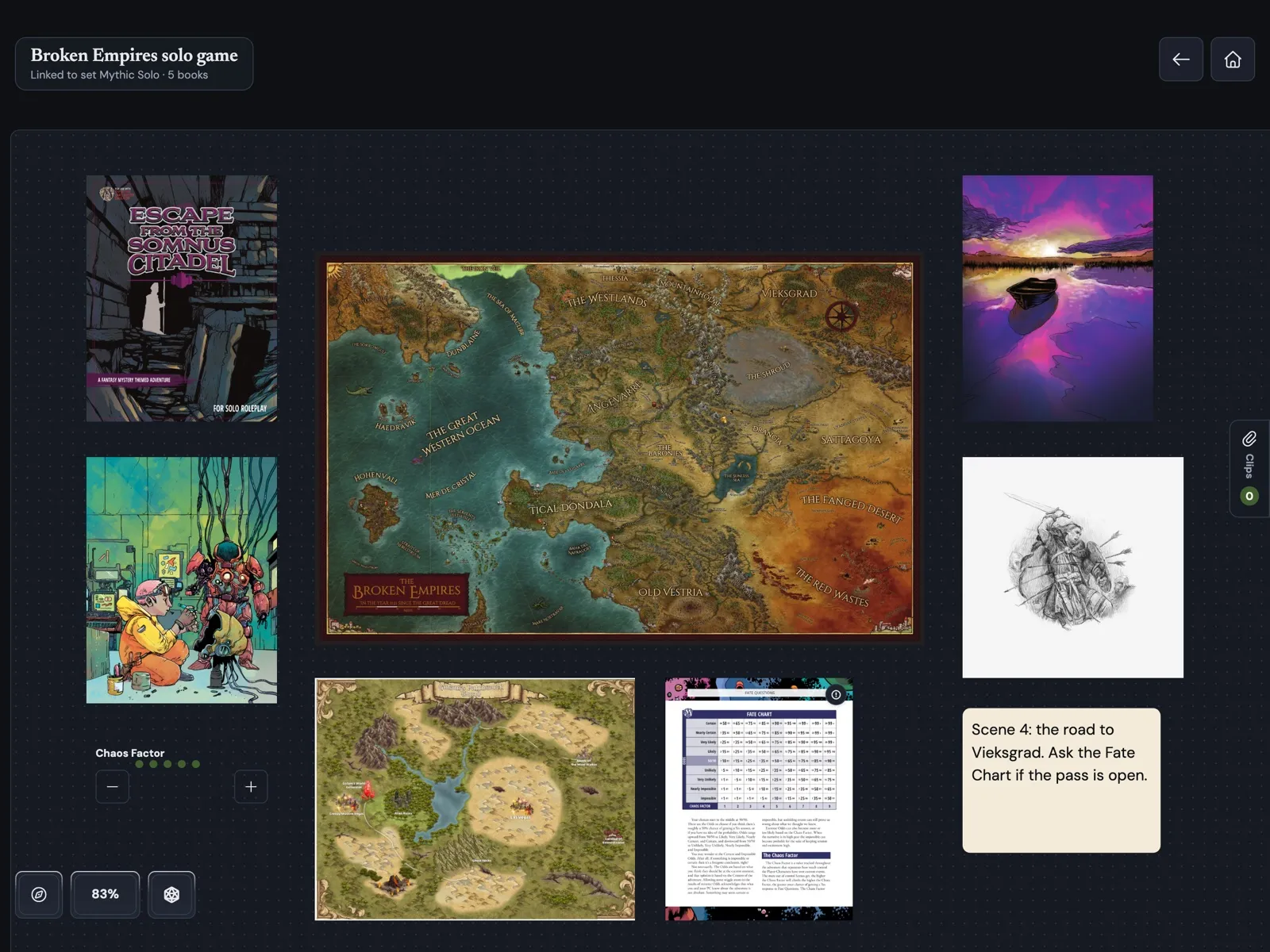
Tome Keeper
Mark rules across 8 bookmark categories plus custom colors as page-edge tabs. One tap takes you there.
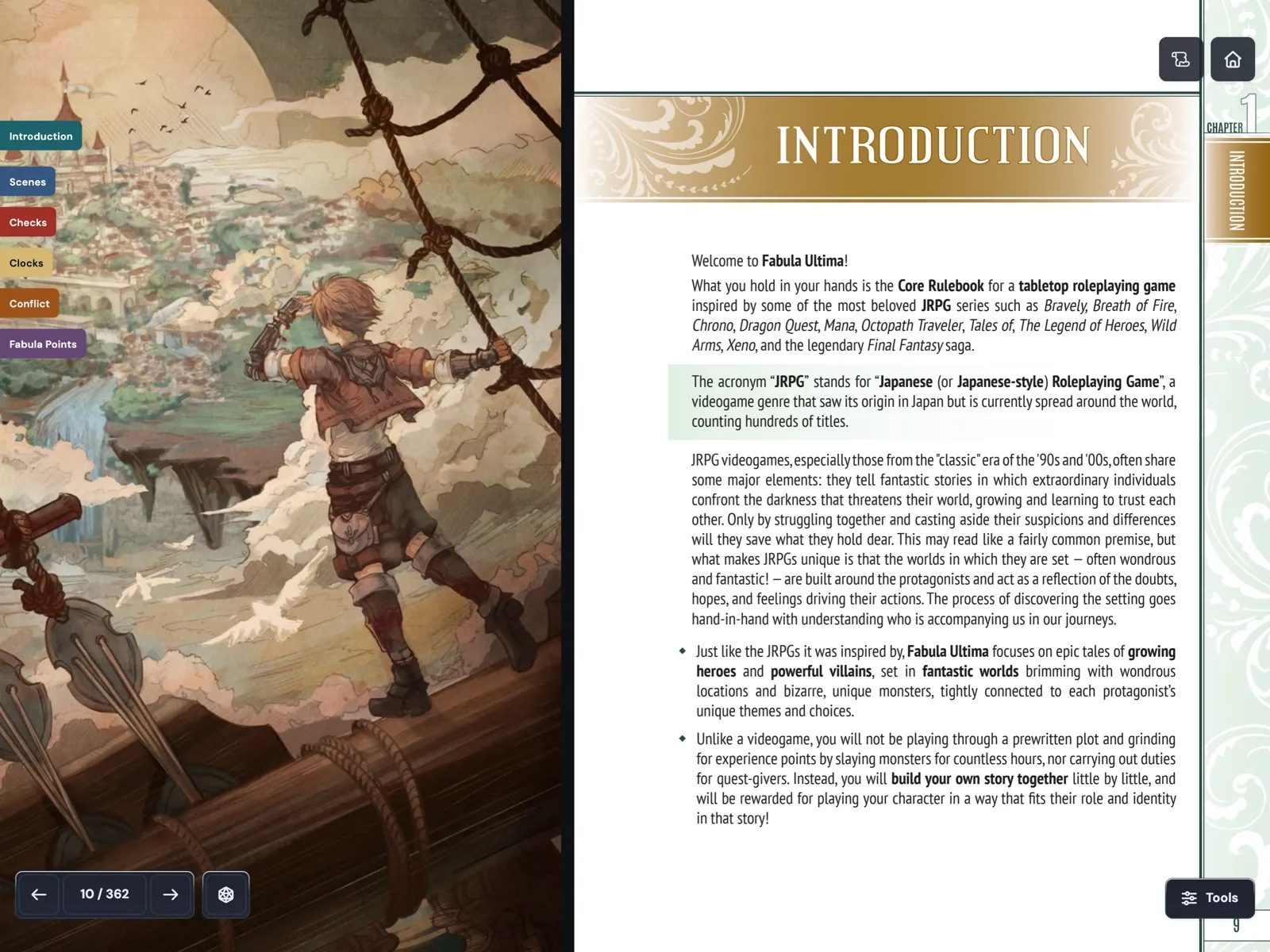
Slide 1 of 7

Jason Holt
 Mythic GME
Hi, I’m Jason. I build and maintain the official Mythic GME 2e apps in partnership with Word Mill Creative. Most days that means moving between code, support messages, Discord, and the feature board, looking for places where the apps can make real sessions smoother. I want the apps to make Mythic feel ready to play in one place, without pulling attention away from the story.

Ryan Holt
 Tome Keeper
Hi, I'm Ryan, and I made Tome Keeper. I move a lot, so lugging around shelves of hardcover tabletop RPG books has never really worked for me, even though I still love how a real book feels in your hands. I tried plenty of PDF readers for my library, and most of them felt like office tools. Clunky toolbars sat over the artwork, and flipping between rulebooks during a game was a chore.
I built Tome Keeper so you can enjoy the full-page art, spreads, and stories in your books without all that clutter in the way, and still carry your whole library on one device. When it's time to prep a session or run a game, the tools are right there in the corner. You can clip rules, maps, or whole pages from different books onto one Table and arrange them in a way that makes sense for you and your players.